
Outlook integration for Yeastar.
Click-to-call your Outlook contacts, receive call popups, and check your call logs directly in Outlook.
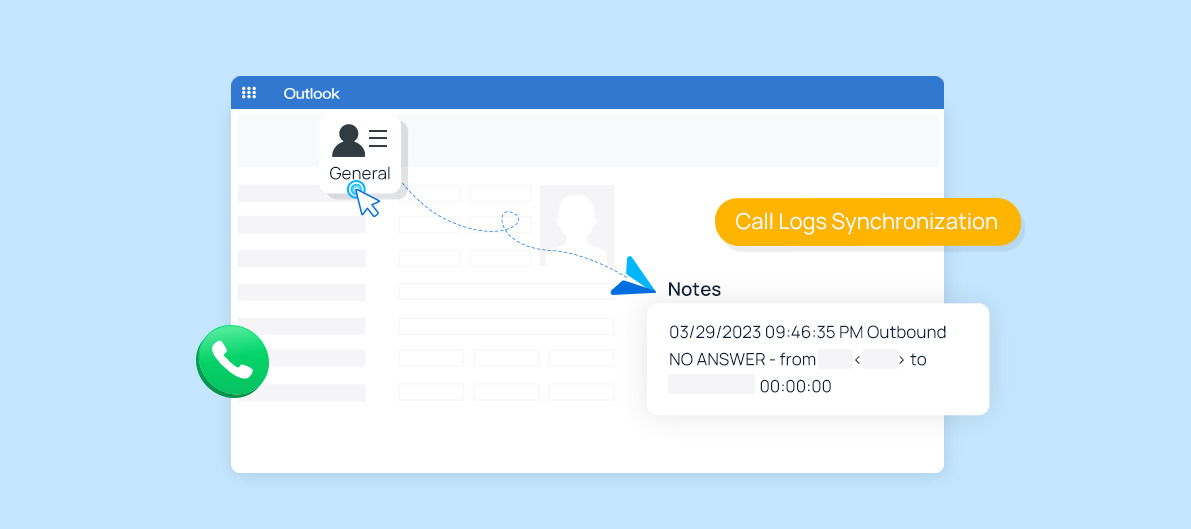

Bring Outlook into the Yeastar ecosystem.
Click-to-call your Outlook contacts, receive call popups, and check your call logs directly in Outlook.
Connect the workflow
Reduce unnecessary switching between communications and the systems people already use during the working day.
Confirm current requirements
TeraFi checks the applicable Yeastar edition, firmware, plan, licences and third-party prerequisites for the proposed design.
Deploy with confidence
Define users, permissions, data handling and acceptance tests before the integration is introduced into production.
Validate the complete environment.
Integration availability and behaviour can vary across products, releases and customer configurations.
- Yeastar product and edition
- Firmware and supported plan
- Third-party subscription and licences
- Administrator and API access
- Privacy and security requirements
- User acceptance and rollback plan
This page is based on Yeastar’s official marketplace listing. Check the source for the latest product-specific information.
Fact-checked on 10 August 2026. Names and requirements may change.
Plan your Outlook integration.
Tell TeraFi about the customer environment and the outcome you need. We will validate the current integration path before you quote.